
How can I embed a multimedia content (video) into a page?
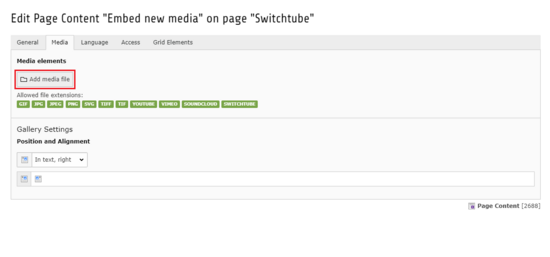
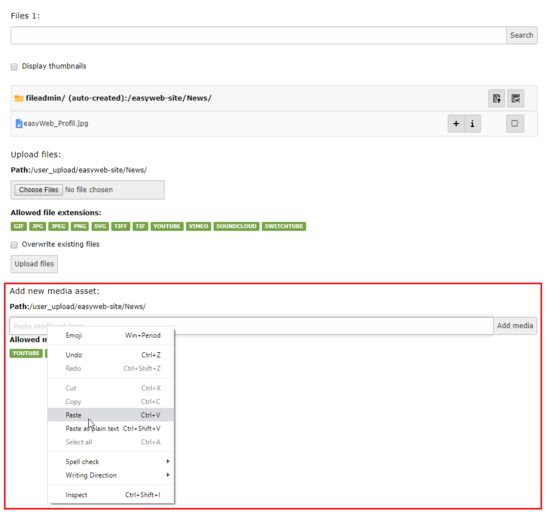
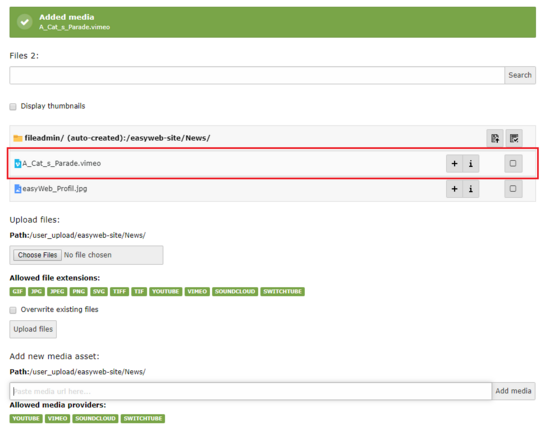
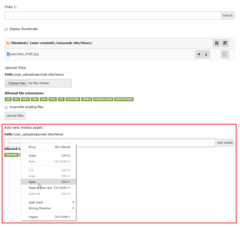
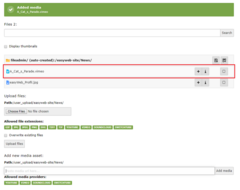
A multimedia content can only be embedded as a third-party stream. Supported are: Youtube, Vimeo, Soundcloud, Panopto.
Uploading and playing videos and other multimedia content is not supported by easyWeb standard. However, you can stream the desired content from third-party providers. In the gallery above, the procedure for embedding a video from the provider Vimeo is shown.
Supported multimedia providers:
- Youtube
- Vimeo
- Panopto
- Soundcloud
Look also here